Module 03 · Inventory
The land's legal documents
Which documents a piece of land needs before it is sold —title and parent deed, registration and cadastral number, certificate of no liens, subdivision approval and permits, property tax, land use and utility feasibility— and how to keep them in GoSoft's Legal tab.
A lot is sold once but deeded years later. If, when the deed comes, the land has a lien, a challenged title or an unapproved subdivision, the problem belongs to the company and the customer can't become the owner. That's why the paperwork is put in order before selling.
- List the documents a piece of land needs to be sold.
- Record each document with its status and file.
- Know whether a lot is ready for sale.
The land's documents
| Group | Documents | Why |
|---|---|---|
| Title and parent deed | Deed of purchase of the land, title of ownership | Proves the company owns it |
| Registration and cadastral number | Entry in the land registry and the cadastre | Identifies the property legally |
| No liens | Certificate of no mortgages, attachments or annotations | No one else has rights over the land |
| Subdivision and permits | Approval of the subdivision or development, approved plans, licenses | The lots legally exist as lots |
| Property tax, land use and feasibility | Property tax up to date, land use, water, power and sewer feasibility | It can be built on and lived in |
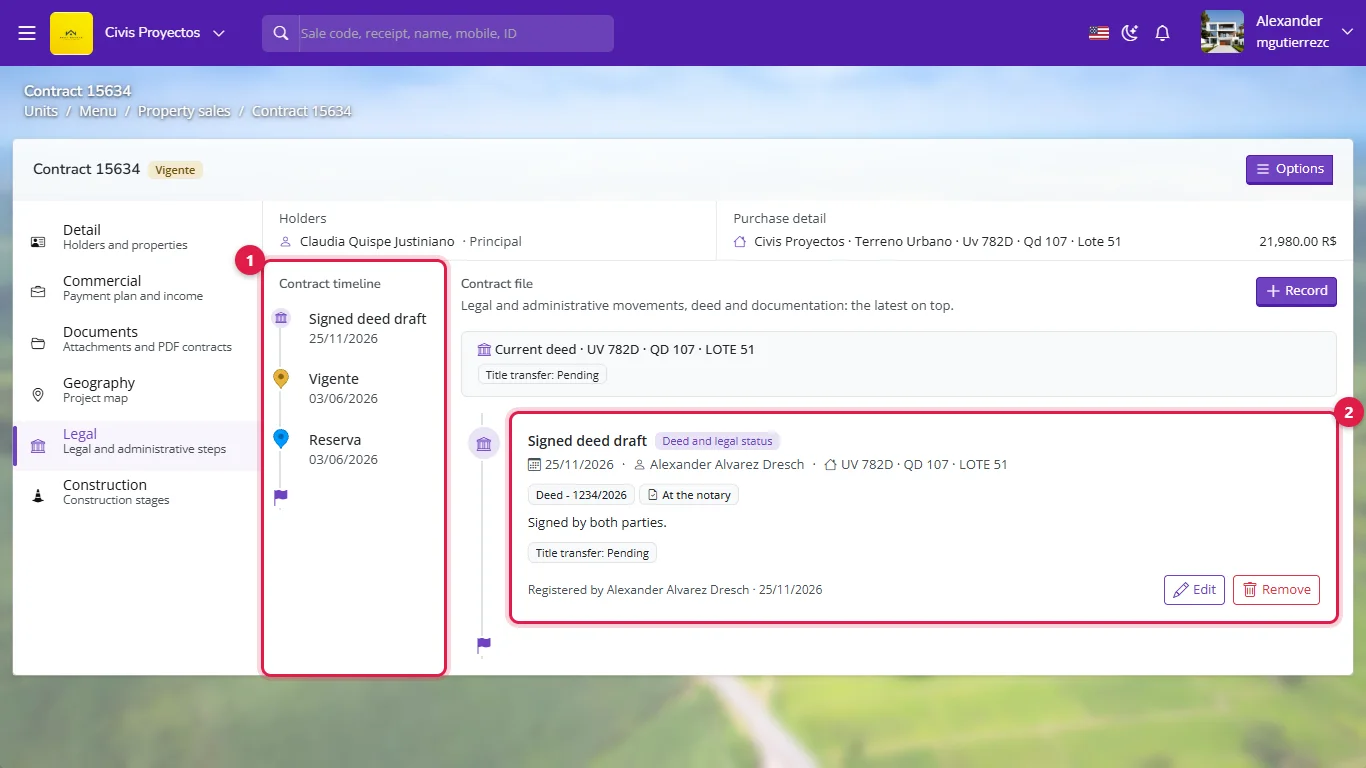
This is the property's folder, before any sale. Each sale's documents (contract, deed in the customer's name) go in the contract's file: see The contract file and Title deeds.
Status of each document
Each record has a date and a document status you write in your own words (for example, in progress, challenged, valid); GoSoft suggests the statuses you've already used. That way you see at a glance what's missing and what's stuck.
Ready for sale
GoSoft checks the five groups in the table. When each has at least one record, the land shows as ready for sale; if one is missing, it shows the pending documentation.
In GoSoft, step by step
In the Catalog, open the lot (or the parent land) and go to the Legal tab.
Click Record: choose the group, write the title, the document's number or code, the date and the document status.
Attach the file (PDF, image, Word or Excel). It's stored in the project's Google Drive folder.
The land's Legal tab with its documents and ready-for-sale status Review the checklist: whatever is missing shows as pending documentation.
When a procedure moves forward, edit the record and change its status. Each change keeps the user and date.
The registration and cadastral numbers you record in the Legal tab are also saved in the lot's file, and from there they go to the contract and the deed.
Self-assessment
What is the certificate of no liens for?
To prove the land has no mortgages, attachments or other third-party rights.
Is the deed in the customer's name recorded in the land's Legal tab?
No. That's the land's documentation; each sale's deed goes in the contract's file.
Why put documents in order before selling?
Because if the land has legal problems at deed time, the customer can't become the owner and the problem is the company's.