 GoSoft Tutorial
Step-by-step tutorial
Learn to use GoSoft
Each chapter explains one part of the system with real, numbered screenshots and a short video. Follow it on your phone or computer.
📱 Made for phones🔍 Zoomable screenshots🎬 Subtitled videos
Chapters
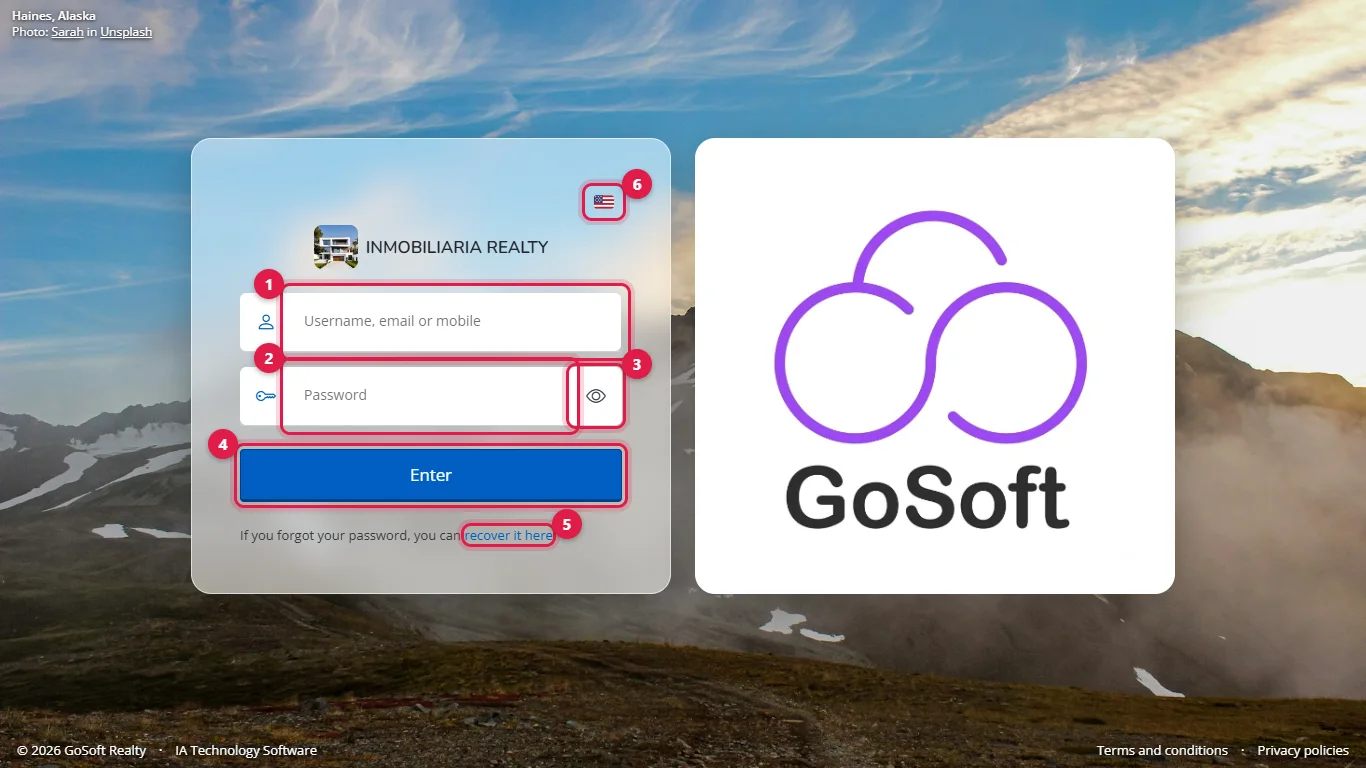 Chapter 1Signing inSigning in, recovering your password, choosing the unit and reaching the menu.
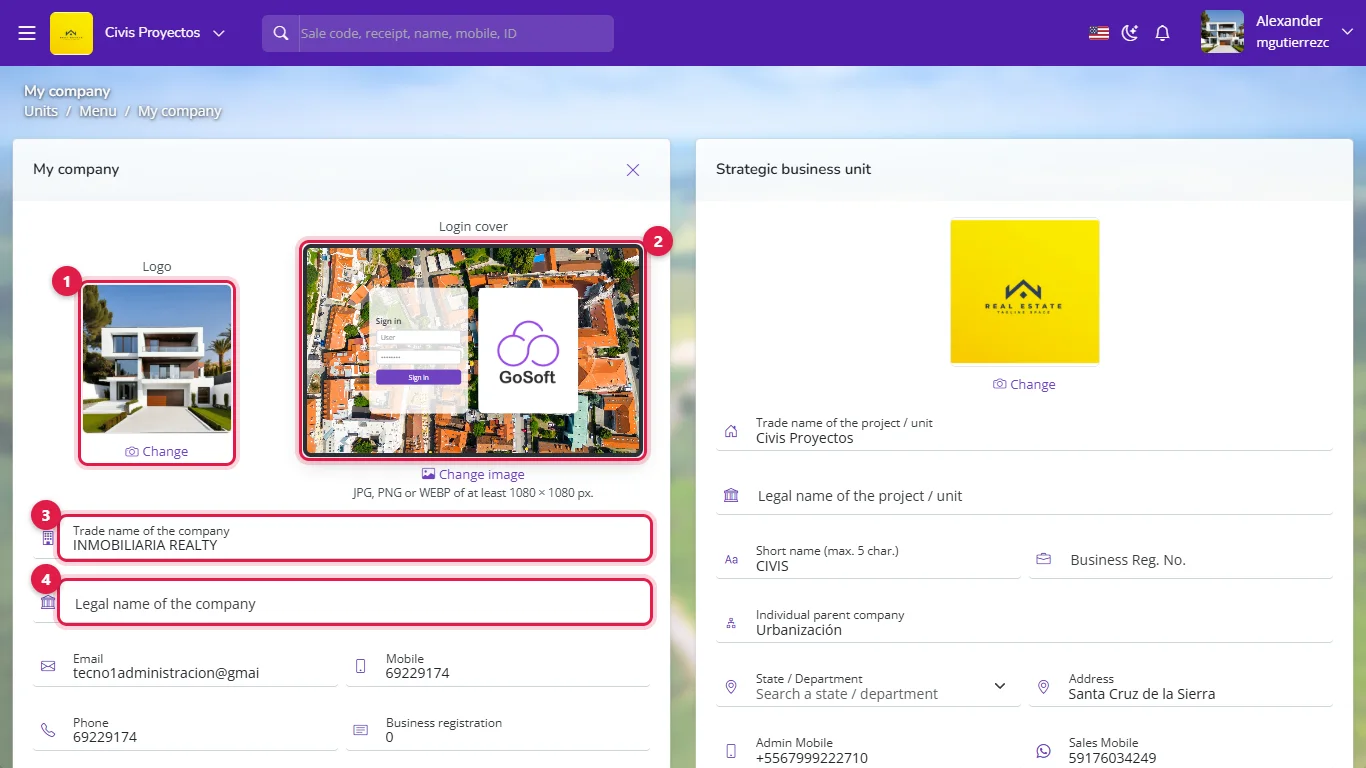 Chapter 2My company and unitsCompany details and logo, business units, cost centers and cloud folders.
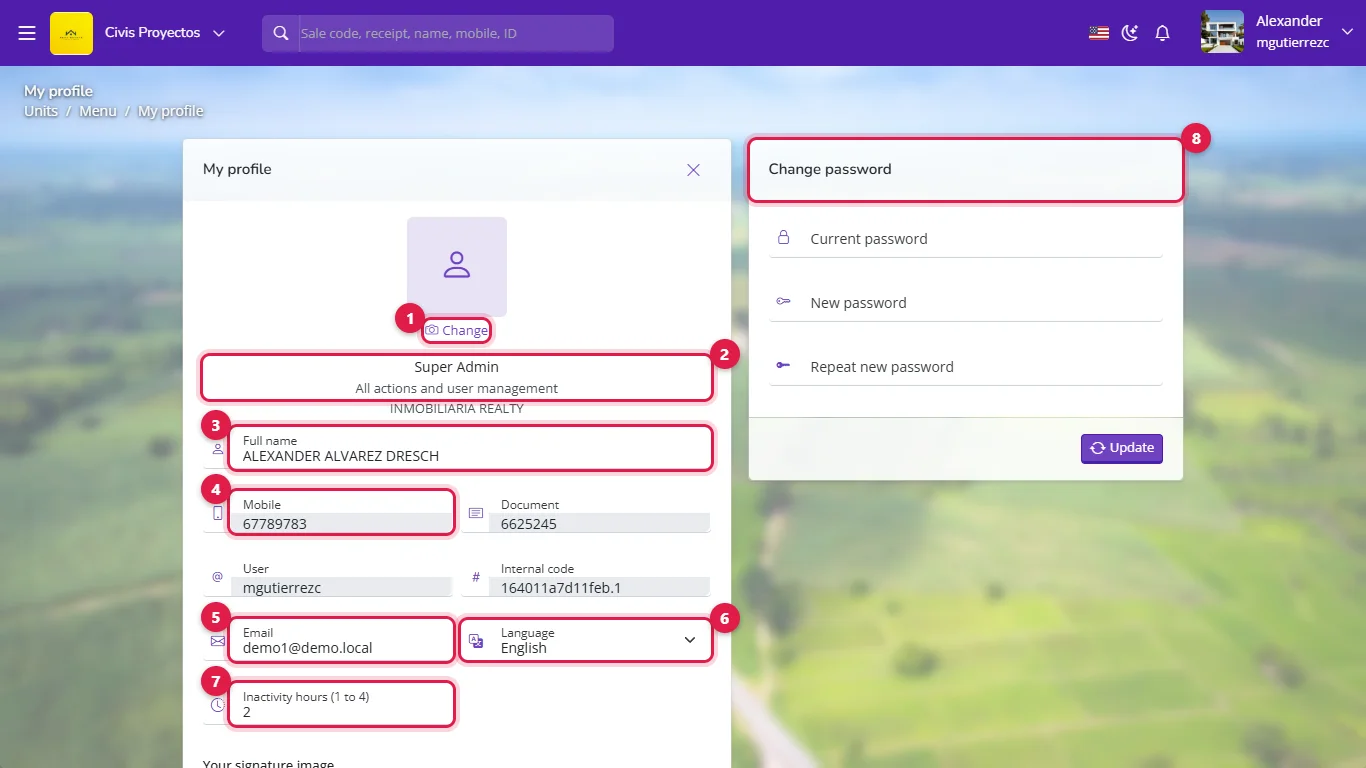 Chapter 3My profileYour photo, your details, language, logout after inactivity and password.
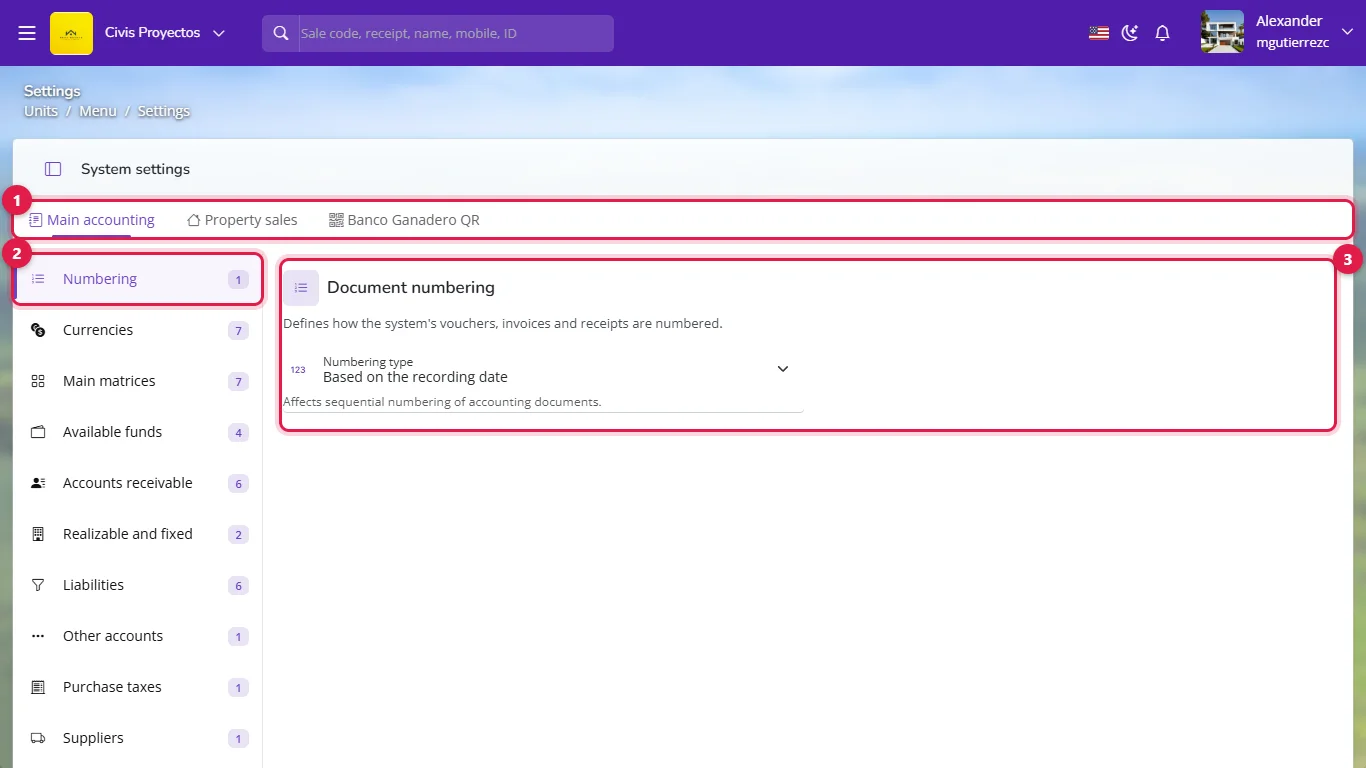 Chapter 4SettingsNumbering, currencies, accounting accounts and the real estate sales setup.
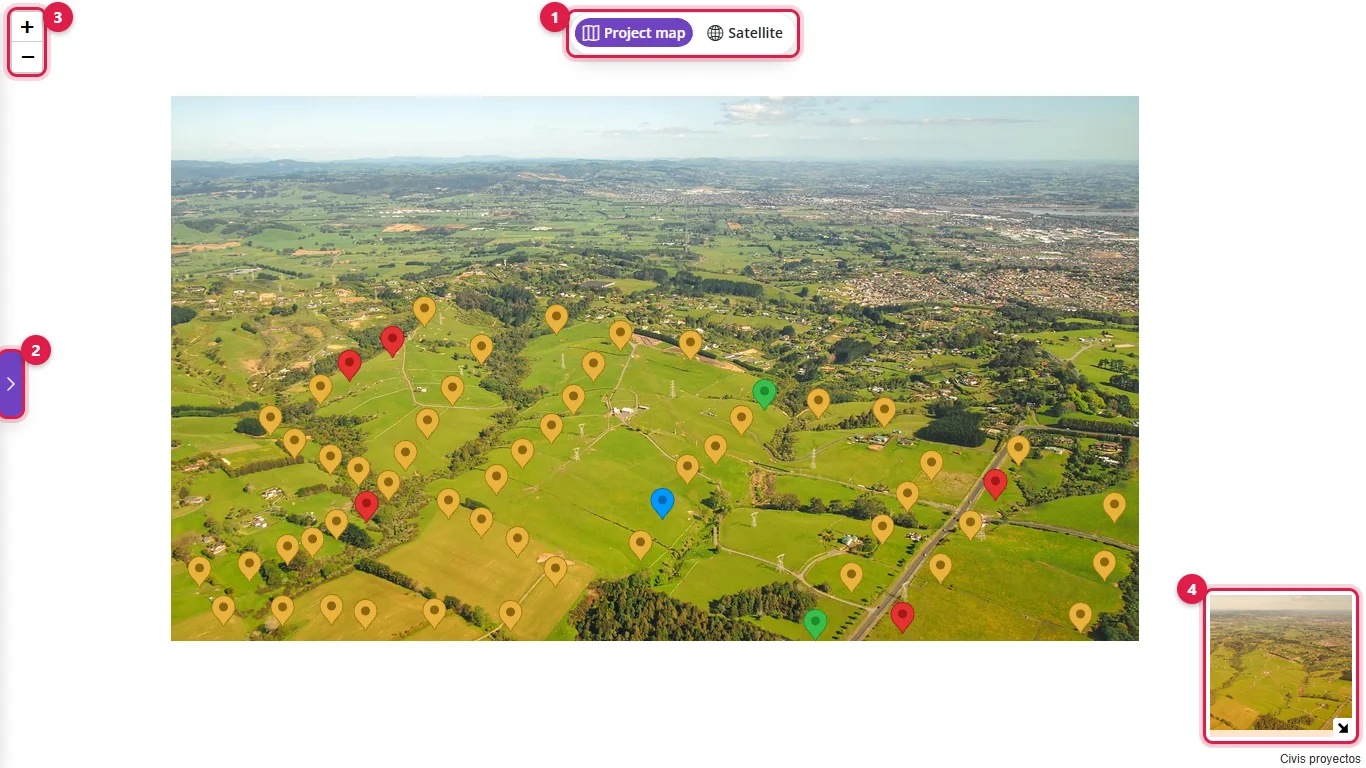 Chapter 5Configuration mapPlace, move and remove lots on the map, import from Excel and the satellite view.
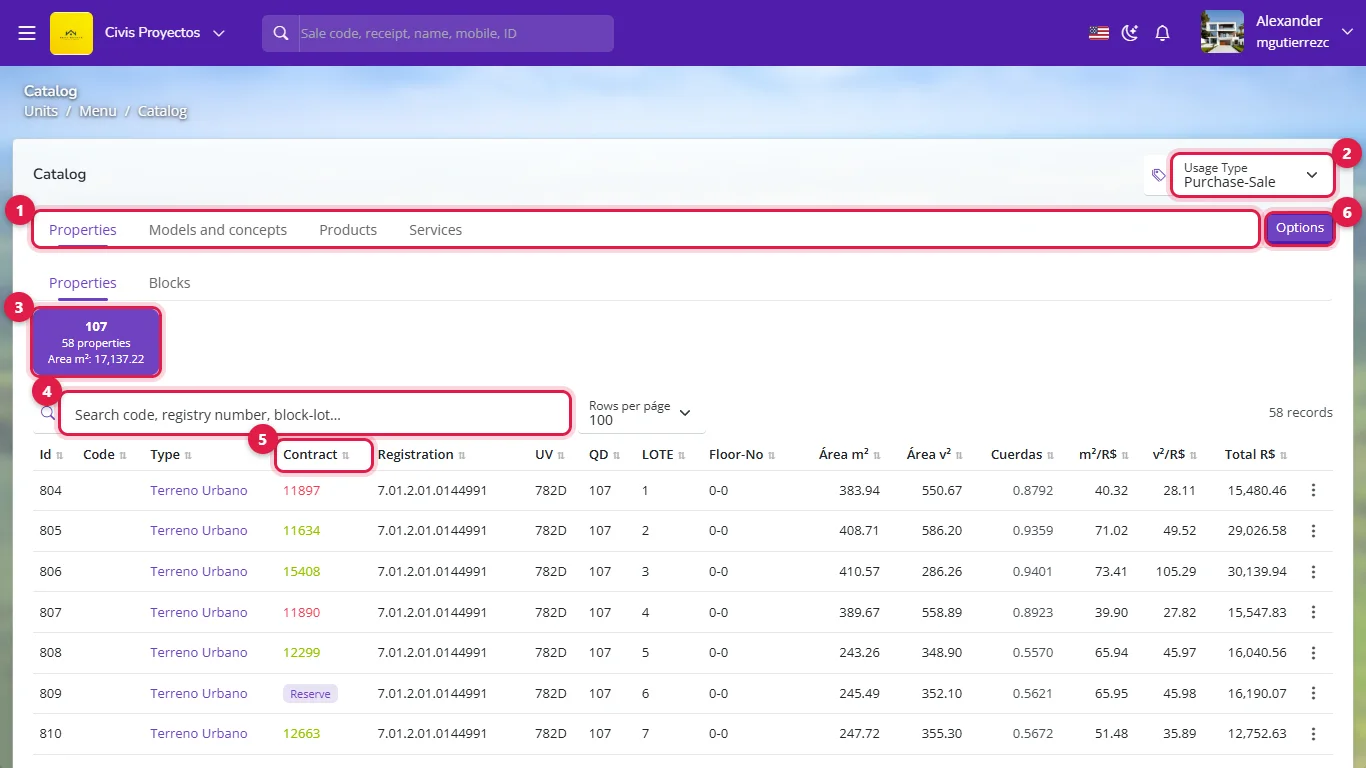 Chapter 6Property catalogThe list by block, create, import and export, and split, merge and void plots.
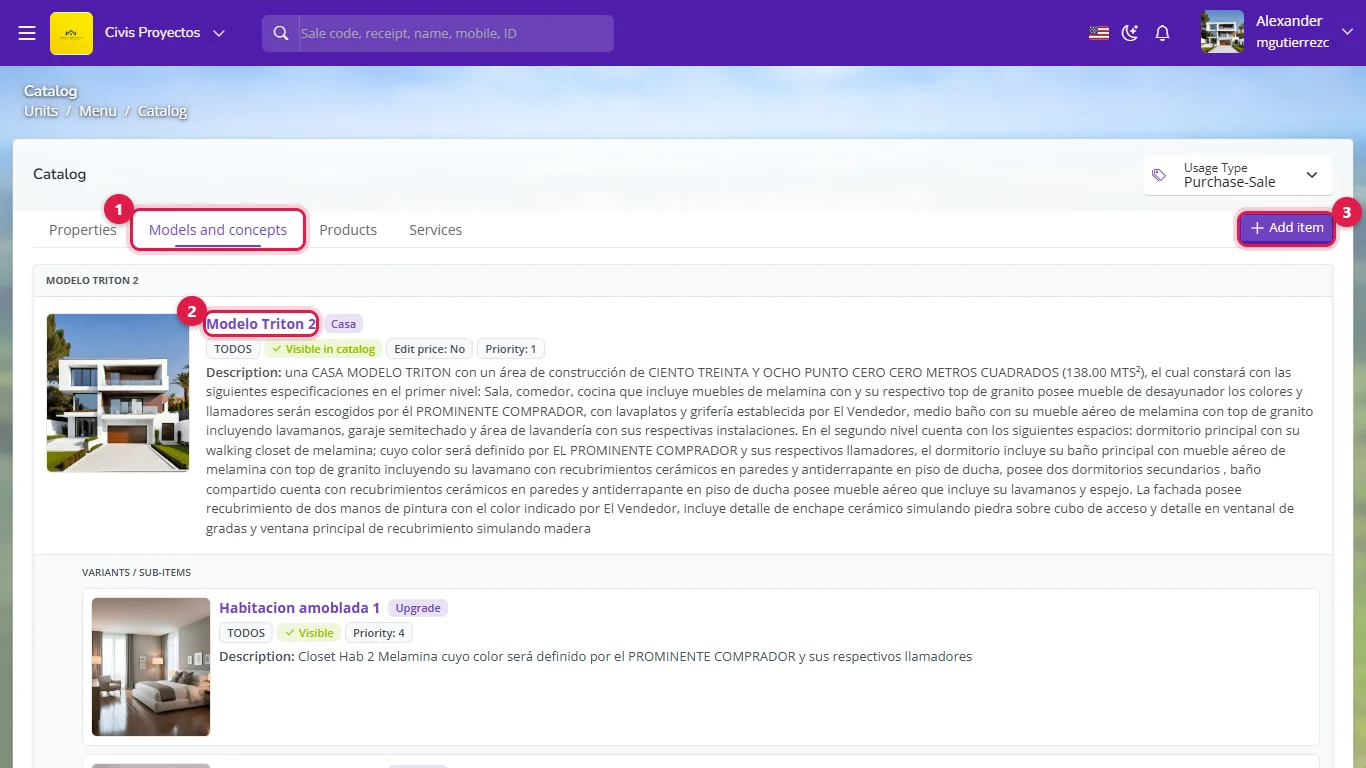 Chapter 7Models and conceptsHouse models and extras sold with the plot, with their price and contract text.
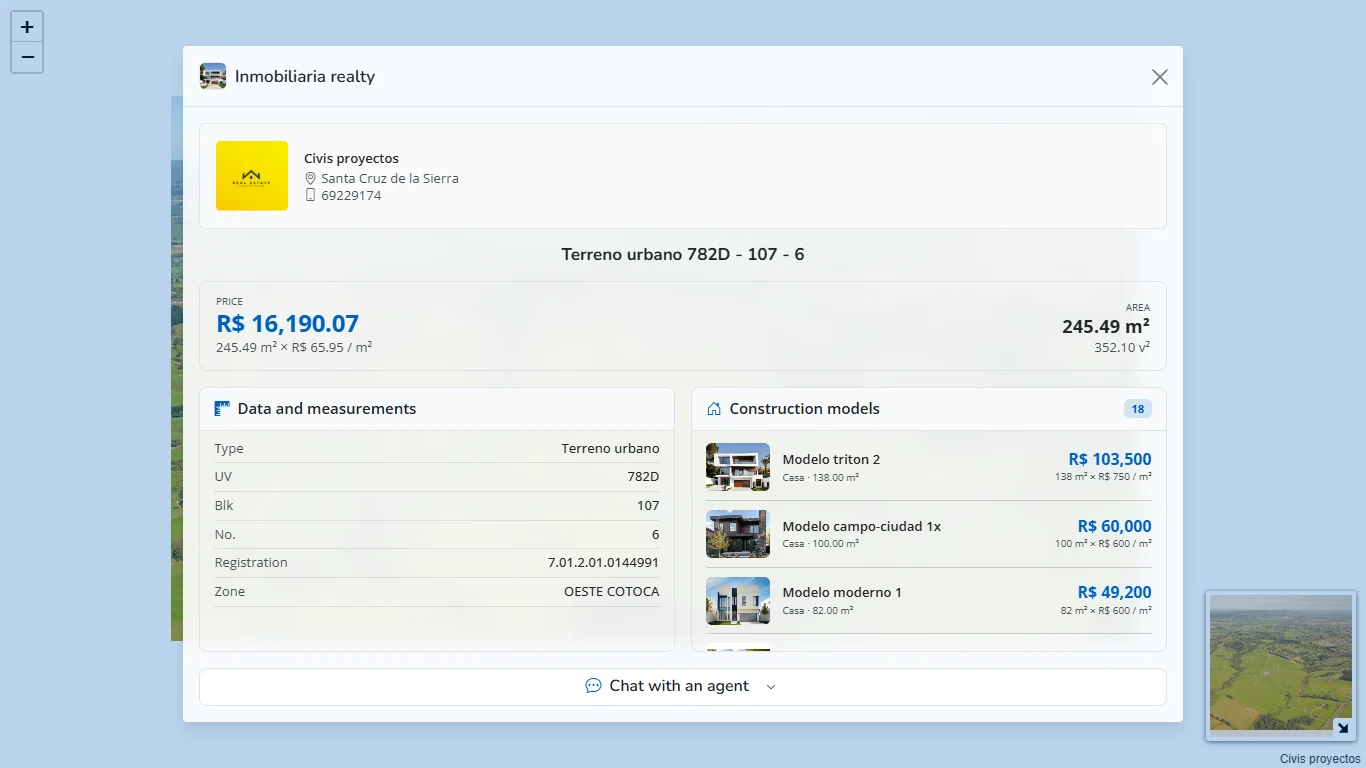 Chapter 8Public floor planThe page for your customers: available lots, quote and WhatsApp contact.
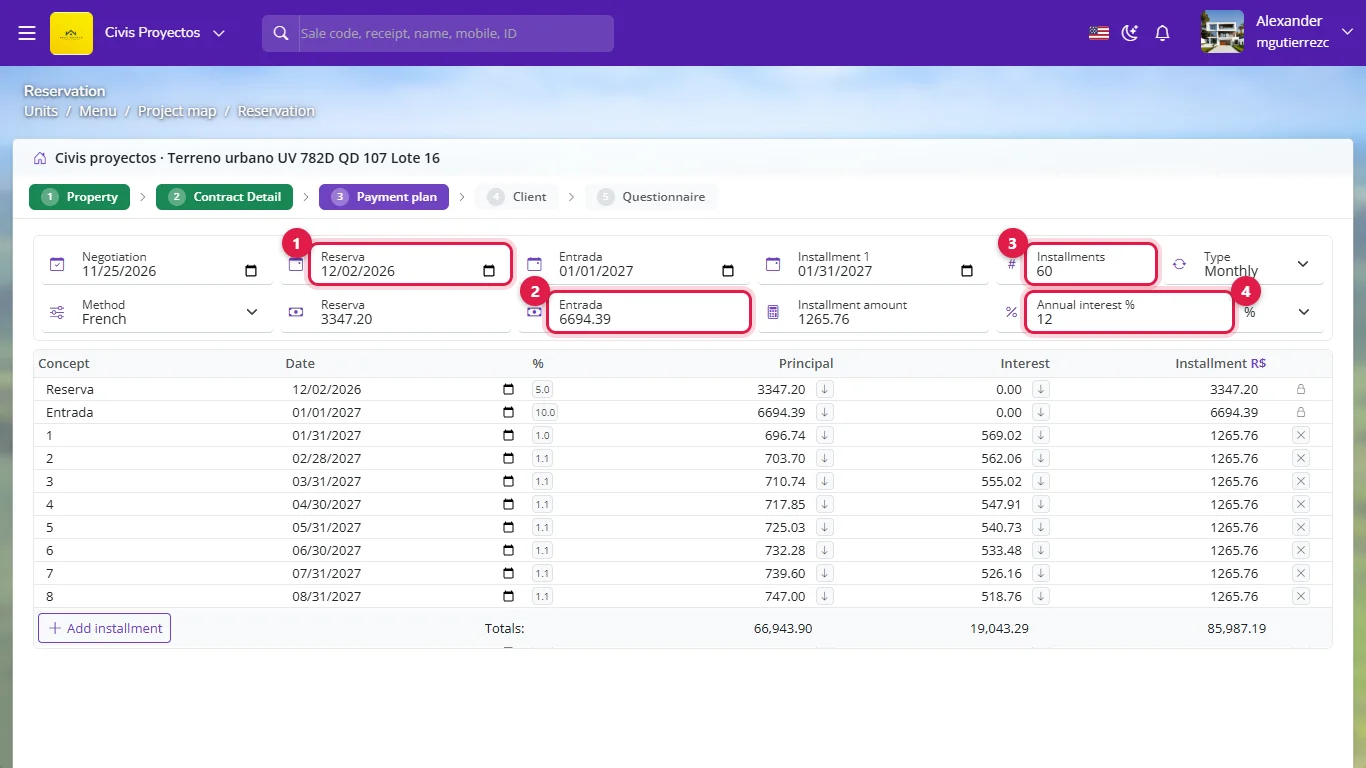 Chapter 9Map to reserve or sellReserve a lot from the map: price, models, discount, 60-installment plan with interest, quote and reservation.
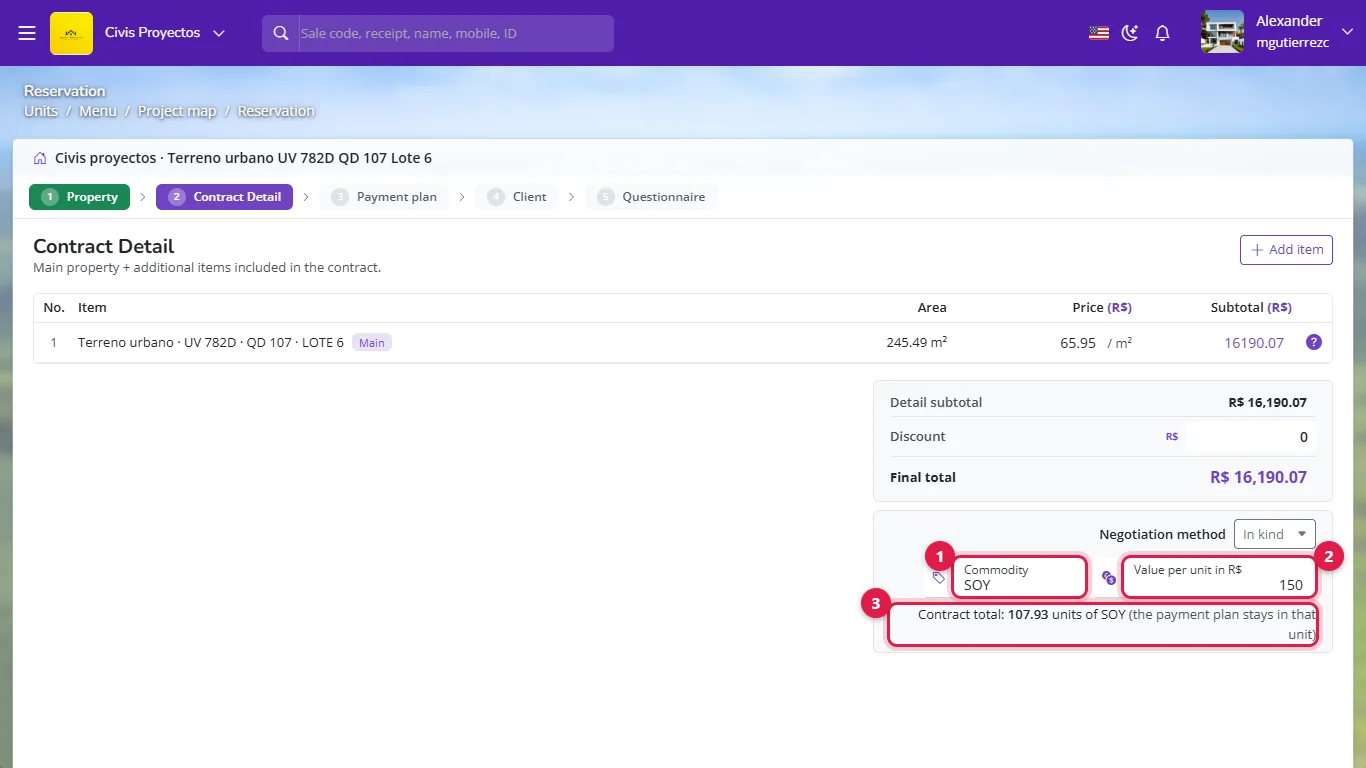 Chapter 10Selling in kindReserve paid in a product, like bags of soybeans: plan, quote and contract in that unit.
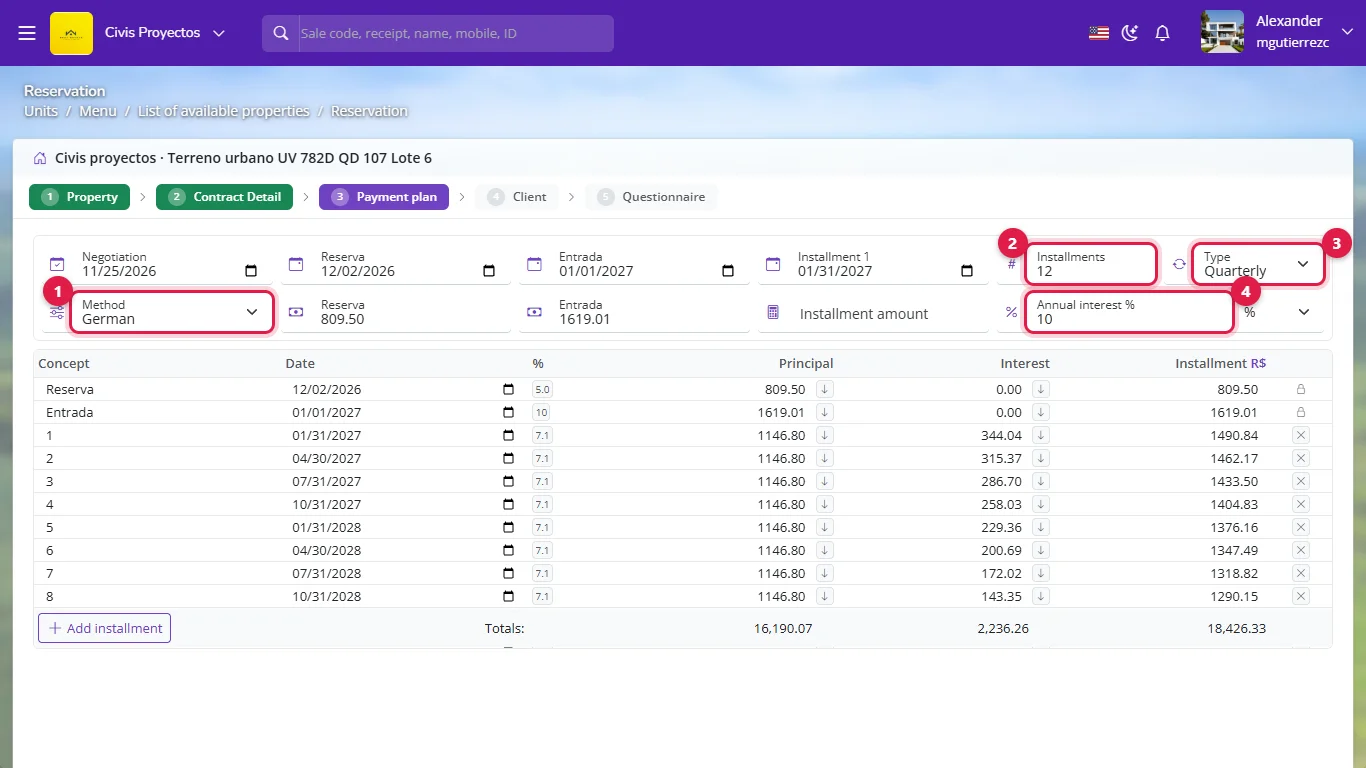 Chapter 11Reserve from the tableReserve from the available table, with a German quarterly plan and the settings' limits.
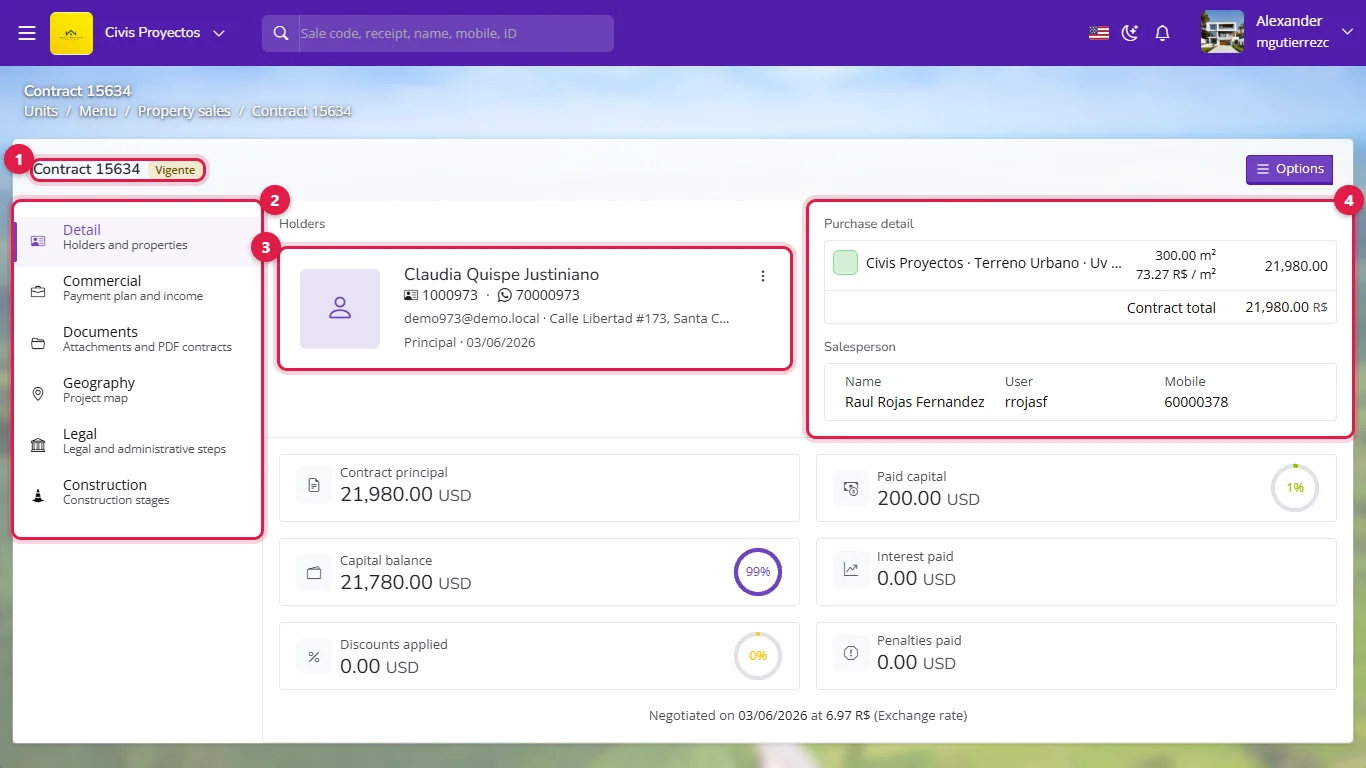 Chapter 12The contract recordContract detail and the Options menu: status, settings, entries, commissions and split.
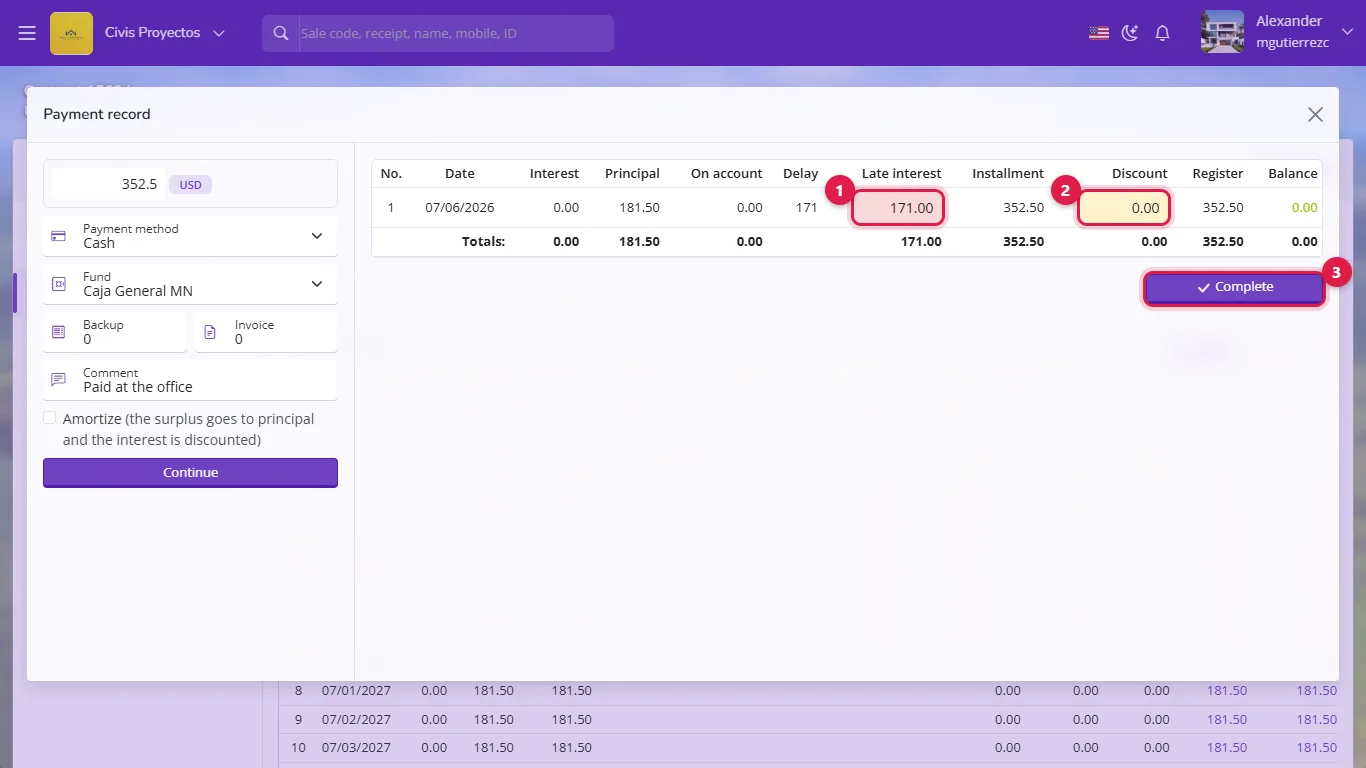 Chapter 13Collecting installmentsPay, late fees, receipt and payment history.
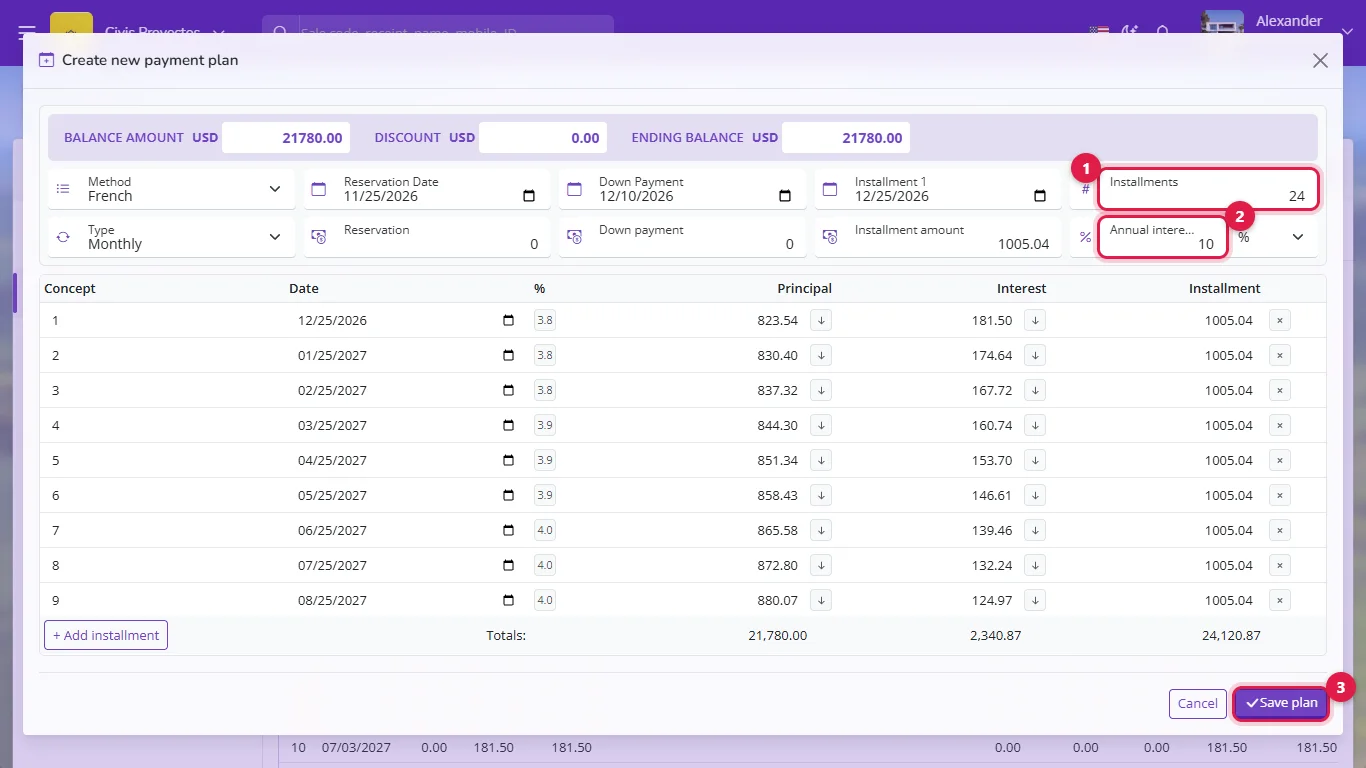 Chapter 14Payment plan toolsEdit, correct, finish, void, redistribute and import.
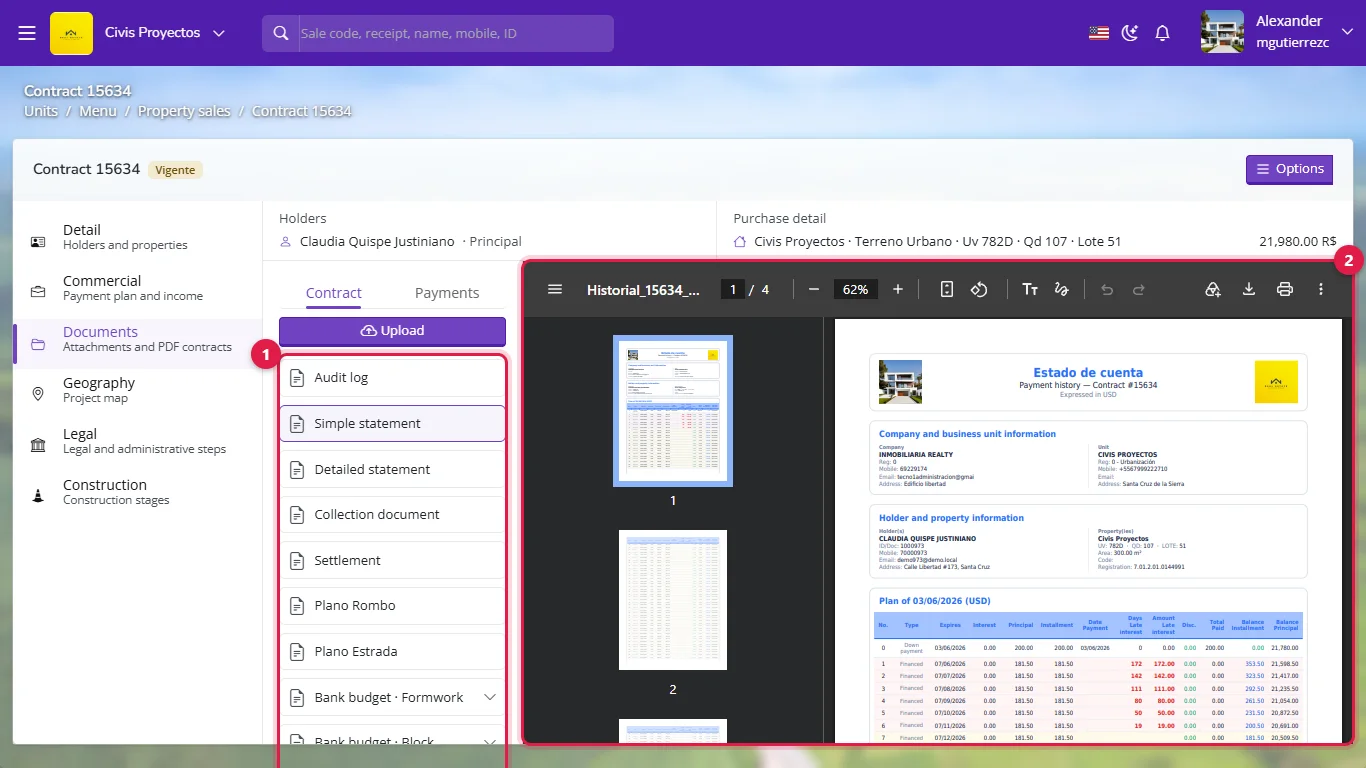 Chapter 15Contract documentsStatements, settlement, budgets, contract templates and receipts.
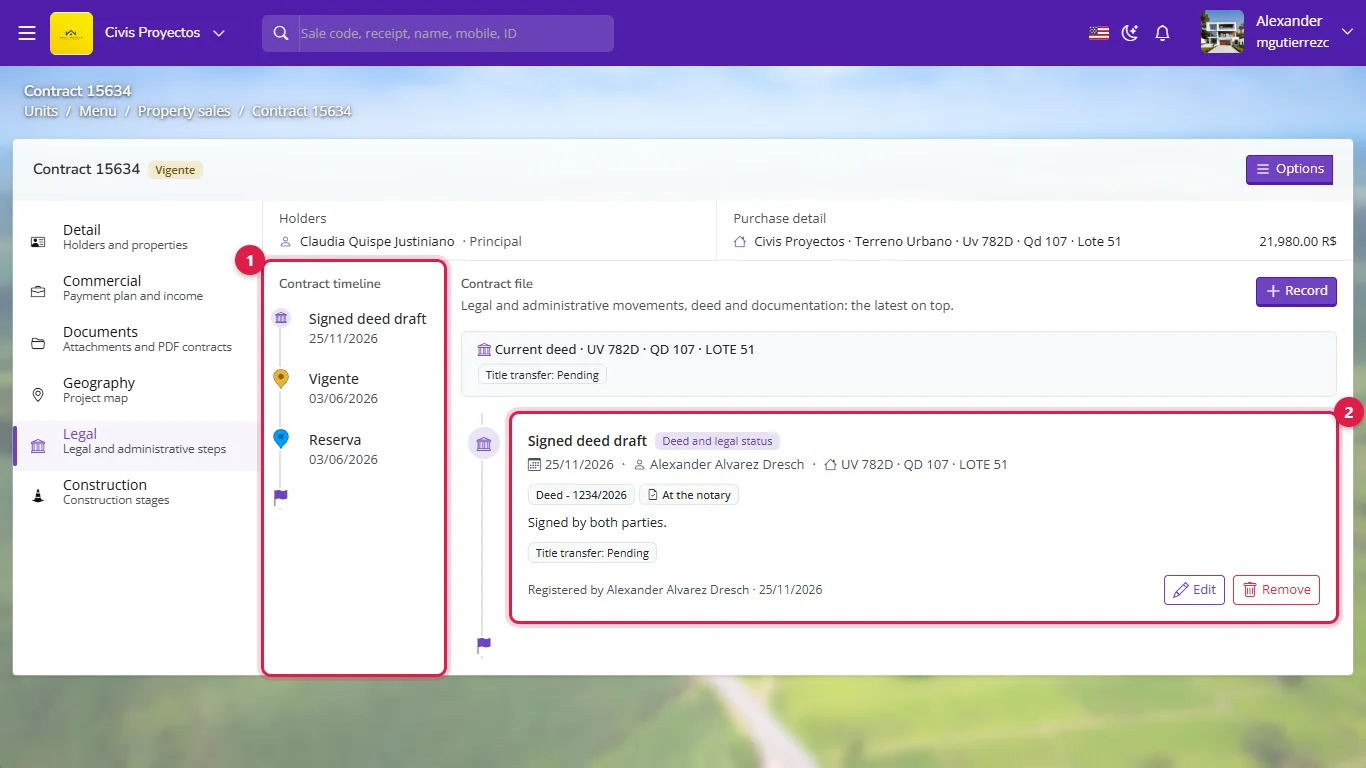 Chapter 16Geography, legal, construction and expensesLocation, legal file, construction stages and contract expenses.
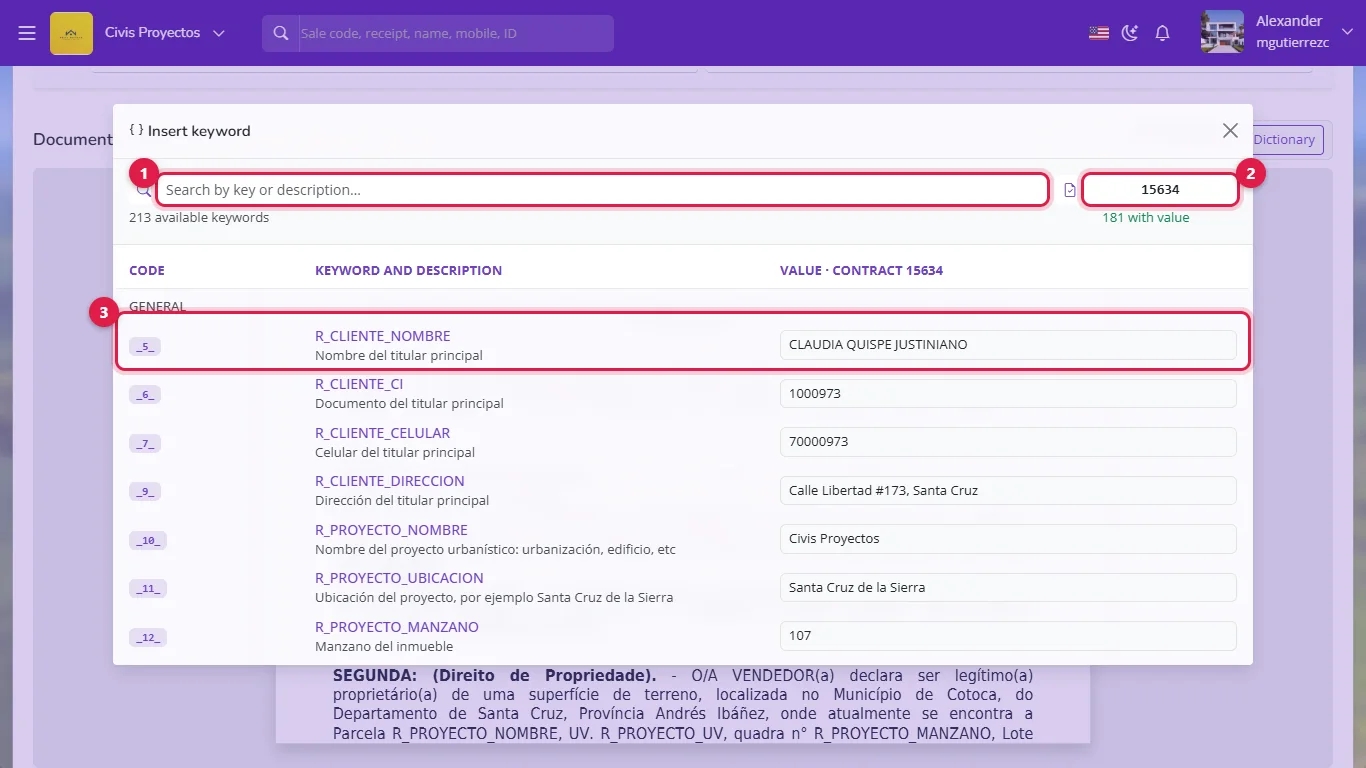 Chapter 17Document templatesContracts that fill in automatically: template details, signatories, keys and test print.
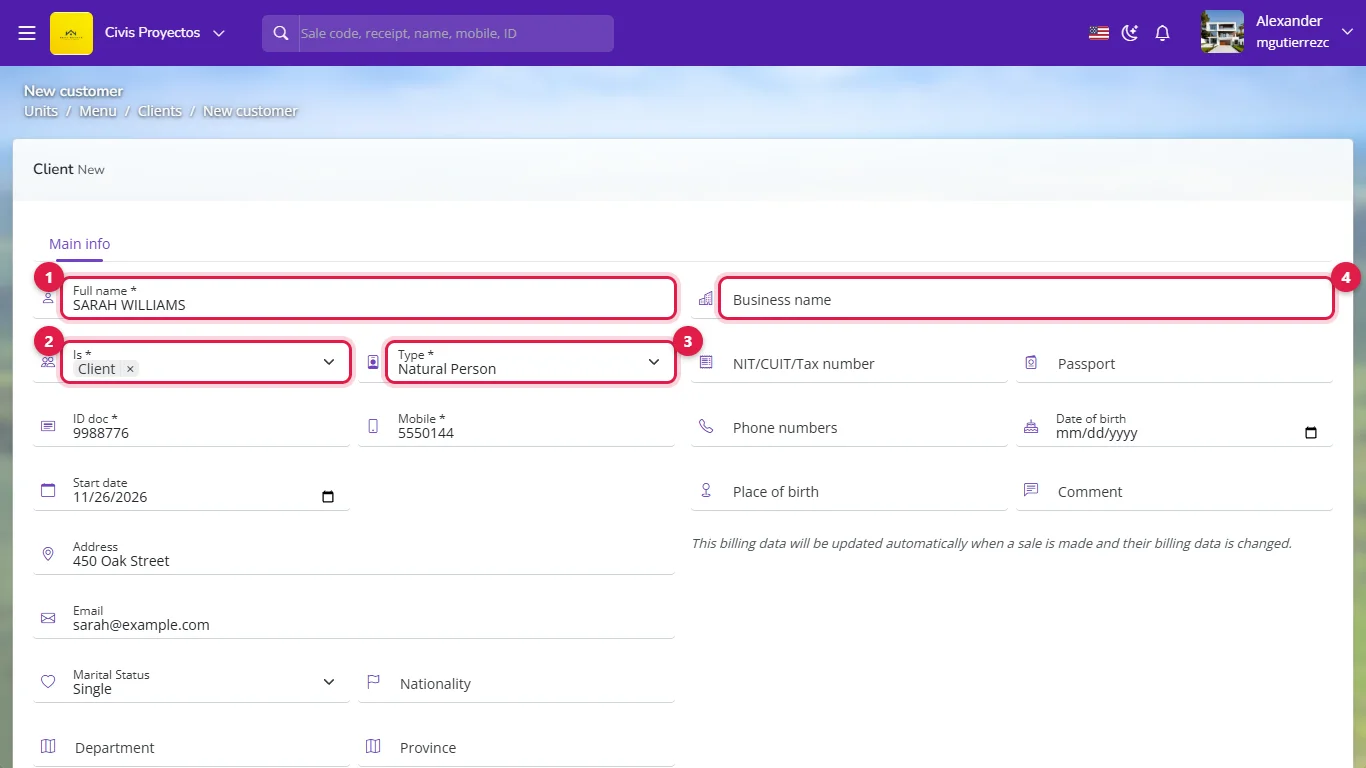 Chapter 18Customer registryEach client's record, contacts and follow-up.
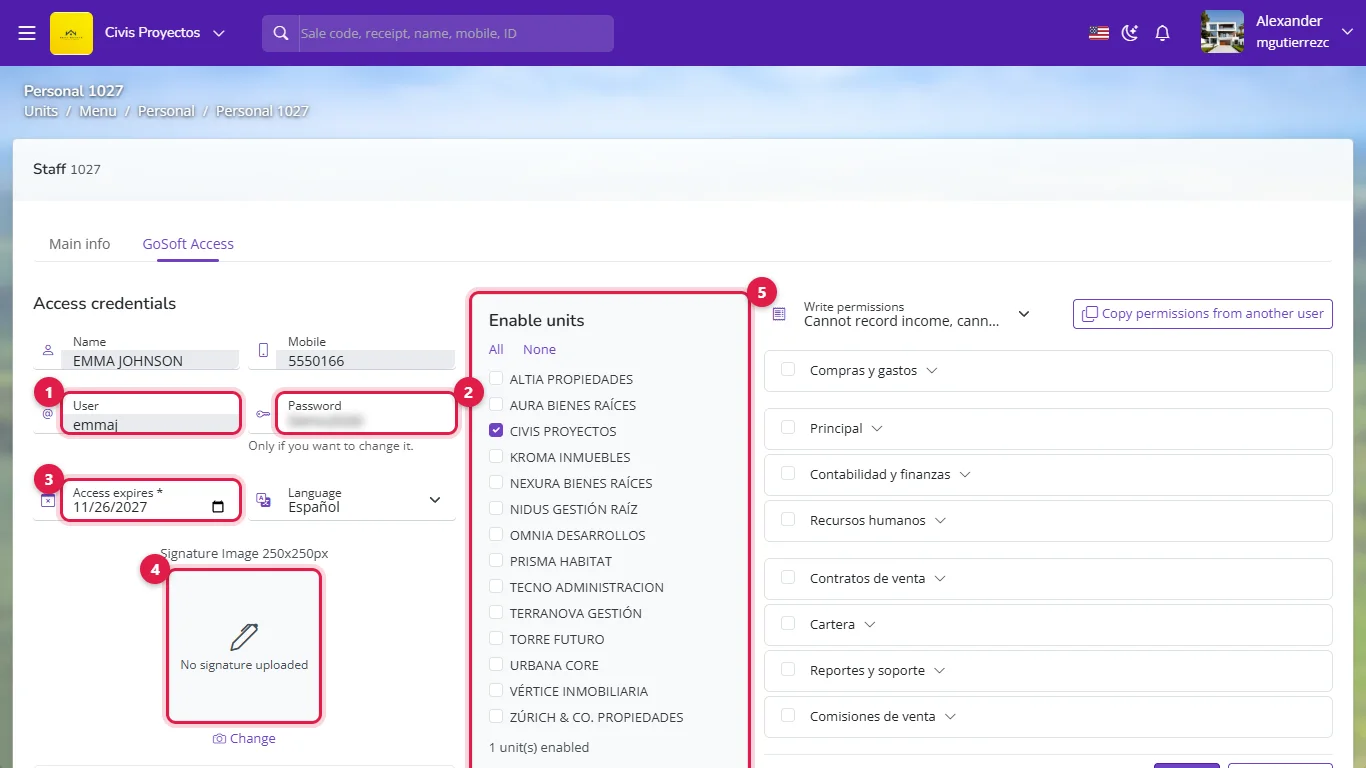 Chapter 19Staff and accessRegister staff, their access, units, permissions and the API.
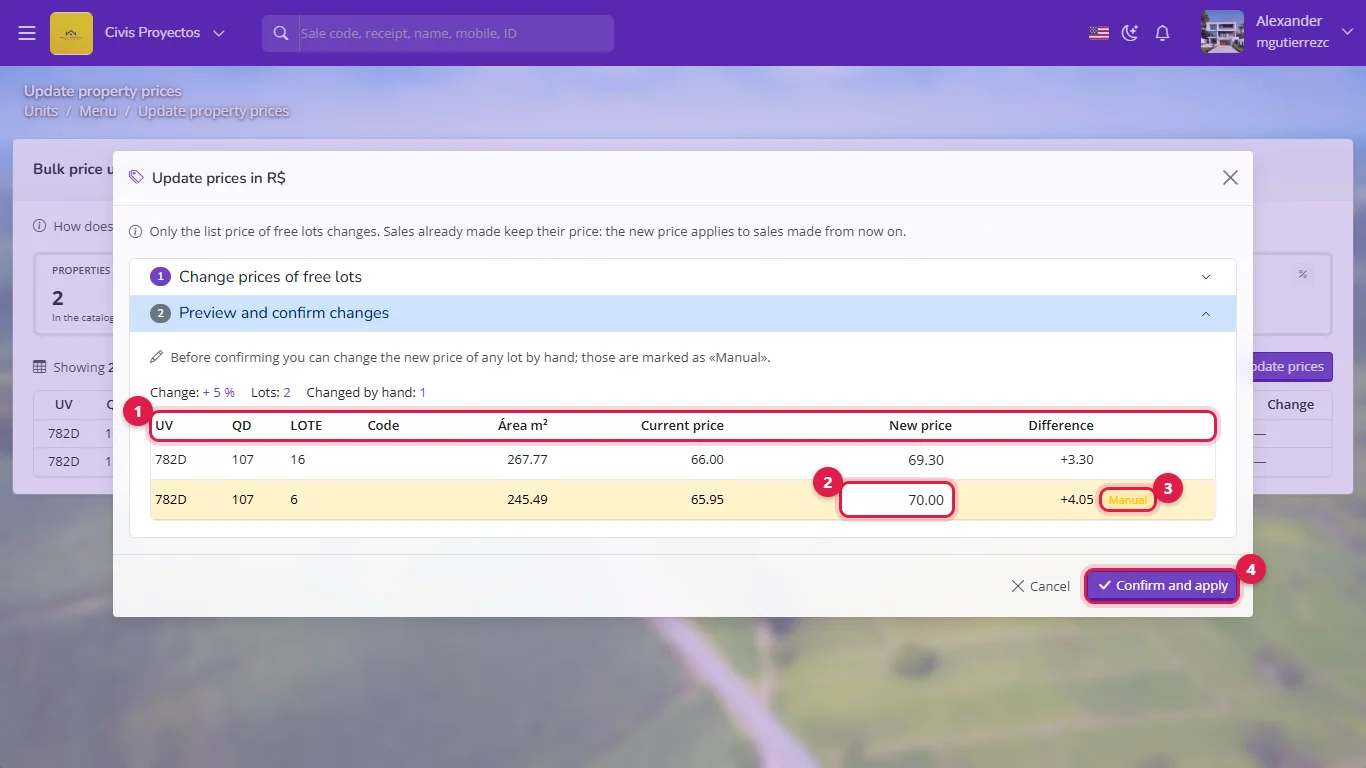 Chapter 20Sale pricesUpdate property prices.
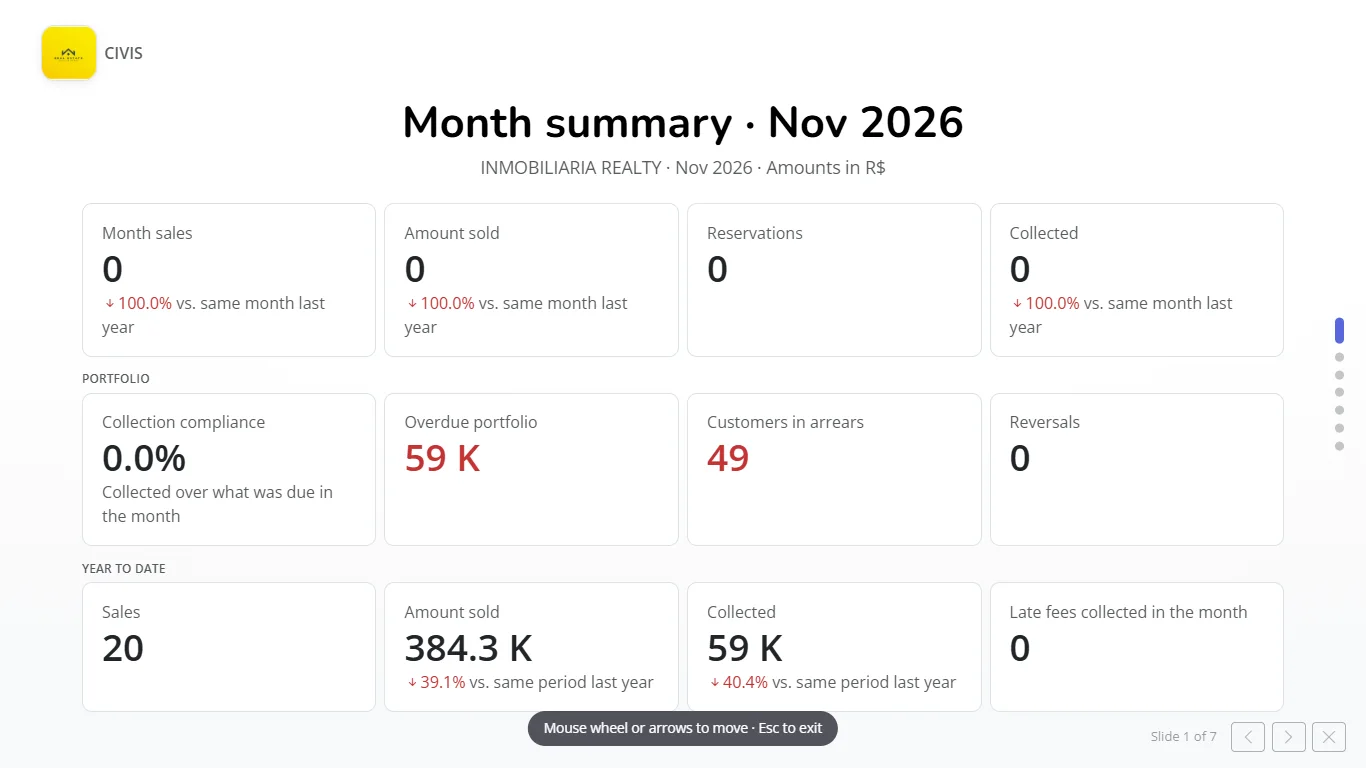 Chapter 21Sales presentationThe sales dashboard to present.